ditto status
Shows aggregate statistics: total count, total size, breakdown by recorder type, and oldest/newest snapshot dates.
Usage
Examples
# Show status for all snapshots
ditto status

# Show status for a specific directory
ditto status tests/ci/
Screenshot
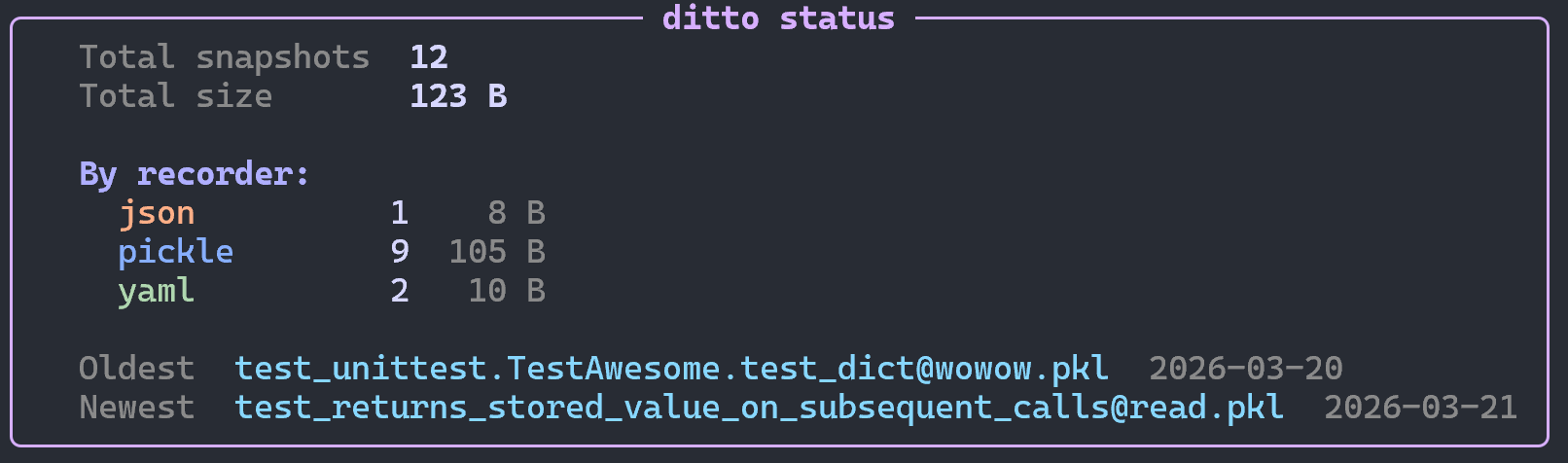
Output
Displays:
- Total snapshot count
- Total size on disk
- Breakdown by recorder type (count and size)
- Oldest and newest snapshot dates
Data source
By default this command is credential-free: local snapshots are read from the
filesystem (real size and modified date, including on-disk orphans) and remote
snapshots are read from ditto.lock (shown with — for size and modified, since
physical metadata needs a live connection). No test modules are imported and no
credentials are needed.
Pass --live to read the live backends instead, via an internal
pytest --setup-only pass — authoritative physical state for every target, at the
cost of importing your tests and needing their credentials.
Totals cover only snapshots with a known size; remote (lock-derived) snapshots are reported separately as "size unknown (use --live)".
See The Lock File.