ditto clean
Delete all .ditto/ directories under PATH.
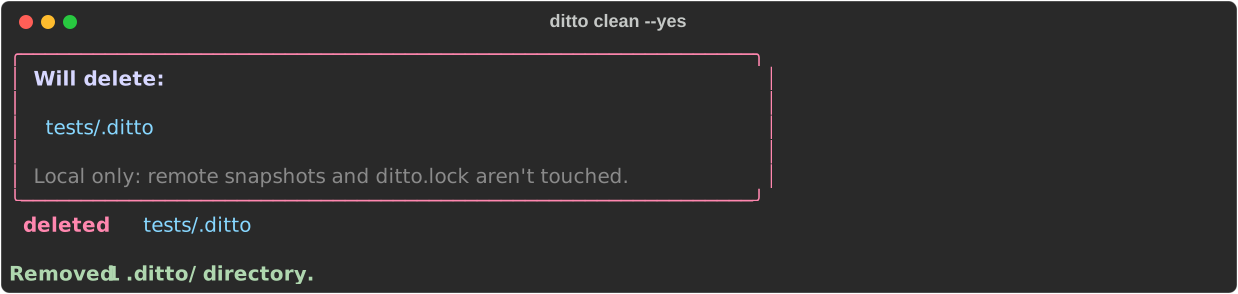
Local only: remote snapshots and ditto.lock aren't touched. Shows what it will delete and asks for confirmation unless --yes is passed. It only asks at a terminal; without one, pass --yes. Symlinked .ditto/ directories are skipped, never followed.
Usage:
Options:
Examples
# Clean with confirmation prompt
ditto clean

# Clean without confirmation
ditto clean --yes

# Clean a specific directory
ditto clean tests/ci/ --yes
Screenshot
Behaviour
- Finds
.ditto/directories under the given path, including PATH itself when it is a.dittodirectory - Skips symlinked
.dittoentries (they are named, not followed or removed) - Drops nested
.dittodirectories so a parent deletion is not repeated - Shows a preview of what will be deleted, with paths relative to the current directory
- Asks for confirmation unless
--yesis passed. Onlyyoryesdeletes; Enter,nor end of input deletes nothing. It only asks at a terminal: when stdin isn't one (a pipe, CI), it deletes nothing and exits 1 unless--yesis passed, so a pipedyis never taken as consent - Deletes the directories; a filesystem error on one directory is reported and the rest still run, then the command exits 1
Finding nothing to delete, or declining at the prompt, exits 0.
Note
ditto clean is local-only and never touches remote snapshots or
ditto.lock.